Windows
Windows 10 or 11, 64-bit.exe installer
Free desktop exam engine
Rehearse certification exams in a focused desktop environment with realistic timing, navigation, review tools, and flexible practice modes.
Version 1.18.31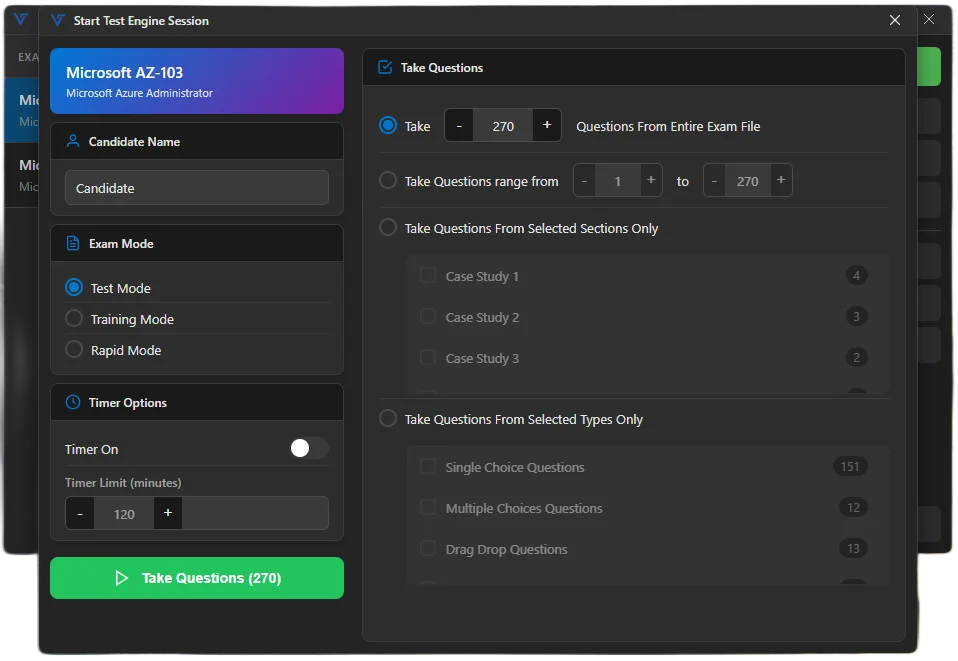
A modern desktop and a small amount of free disk space are enough to get started.
What is inside
The simulator focuses on the mechanics that matter: realistic sessions, representative question formats, flexible modes, and easy-to-manage exam files.
Practice in an authentic testing environment with timed sessions, question navigation, marking, and review controls.
Work with several interaction patterns so practice sessions better reflect certification exam formats.
Choose full rehearsals or targeted study sessions and adjust settings to match the way you want to learn.
Switch visual themes for comfortable daytime study, long sessions, or lower-light environments.
Questions, answers, and related media travel together in one portable .vts file.
Open and organize as many compatible exam files as your certification plan requires.
Ready to rehearse